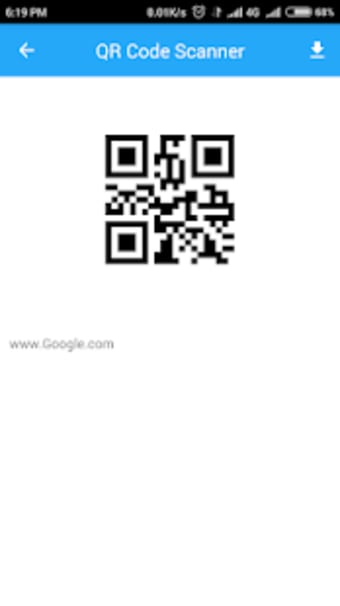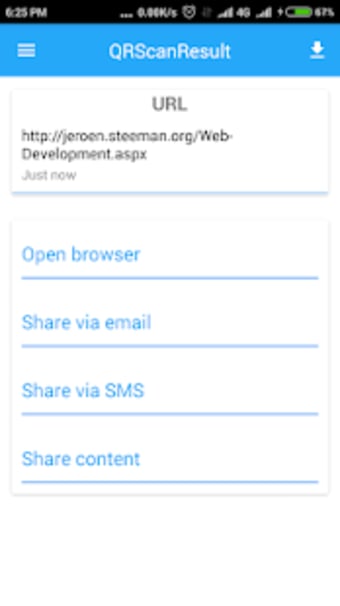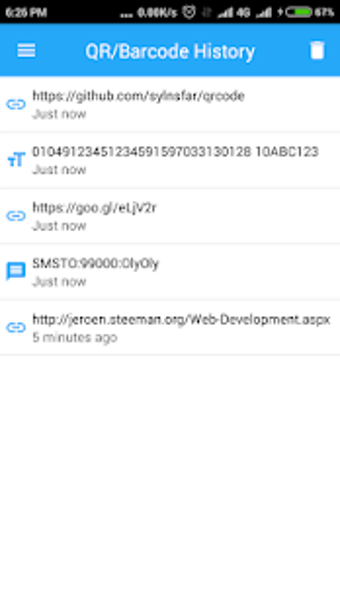
Point, scan, done
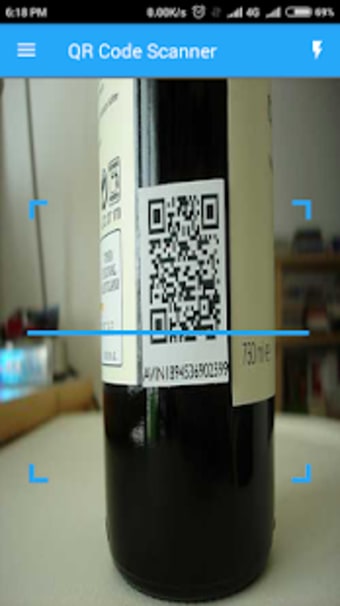
Qr Code Scanner from MobilityApps Masters is a mobile QR scanner built for quick access to encoded information through a device camera. Its main job is simple: scan QR codes and other common code formats so users can open links, read stored text, or check encoded details without typing them in manually. The app is aimed at people who want a straightforward utility for everyday scanning tasks rather than a larger productivity suite with extra tools layered on top.
Top Recommended Alternative

More scan, less scramble
Qr Code Scanner works best as a compact barcode scanner and QR code reader for routine use. Its appeal comes from keeping the process direct and easy to understand, which makes it approachable for casual users who just want fast results. That simple focus is a strength, although the app’s public-facing materials stay fairly light on advanced details, so users looking for a deeper feature set can find the overall package a bit bare.
Useful in the wild
The app fits common day-to-day moments such as opening encoded links, checking posted information, or scanning product labels while out and about. As a general scanner app, it is easier to place in the quick-utility category than in a more specialized business or inventory workflow. That keeps it accessible, but it also means anyone hoping for richer product lookup tools or broader management features can run into limits pretty quickly.
A simple tool with simple expectations
One of the better things about Qr Code Scanner is how little it asks from the user at the point of use. The app is presented as a lightweight utility, and that helps it feel practical for short scanning tasks instead of something built around heavy setup or training. At the same time, the available public information does not clearly outline many extra tools beyond scanning itself, so expectations need to stay grounded.
Best when you want the basics
As a basic mobile scanner, Qr Code Scanner makes the most sense for users who value speed, clarity, and a no-nonsense design. It covers the core job without making the experience feel complicated, which is one of its stronger points. The tradeoff is that its publicly described feature set remains fairly modest, so it is easier to recommend as a simple everyday helper than as a more full-featured scanning solution.